Food Label Printing
Food label printing on your own printer, today. We make the label; you get a print-ready PDF at actual size, or a print sheet laid out for Avery 5126, 5168, 5164 or 5163 on US Letter. Print 10 or 1,000: no minimum order and no print run to wait for.
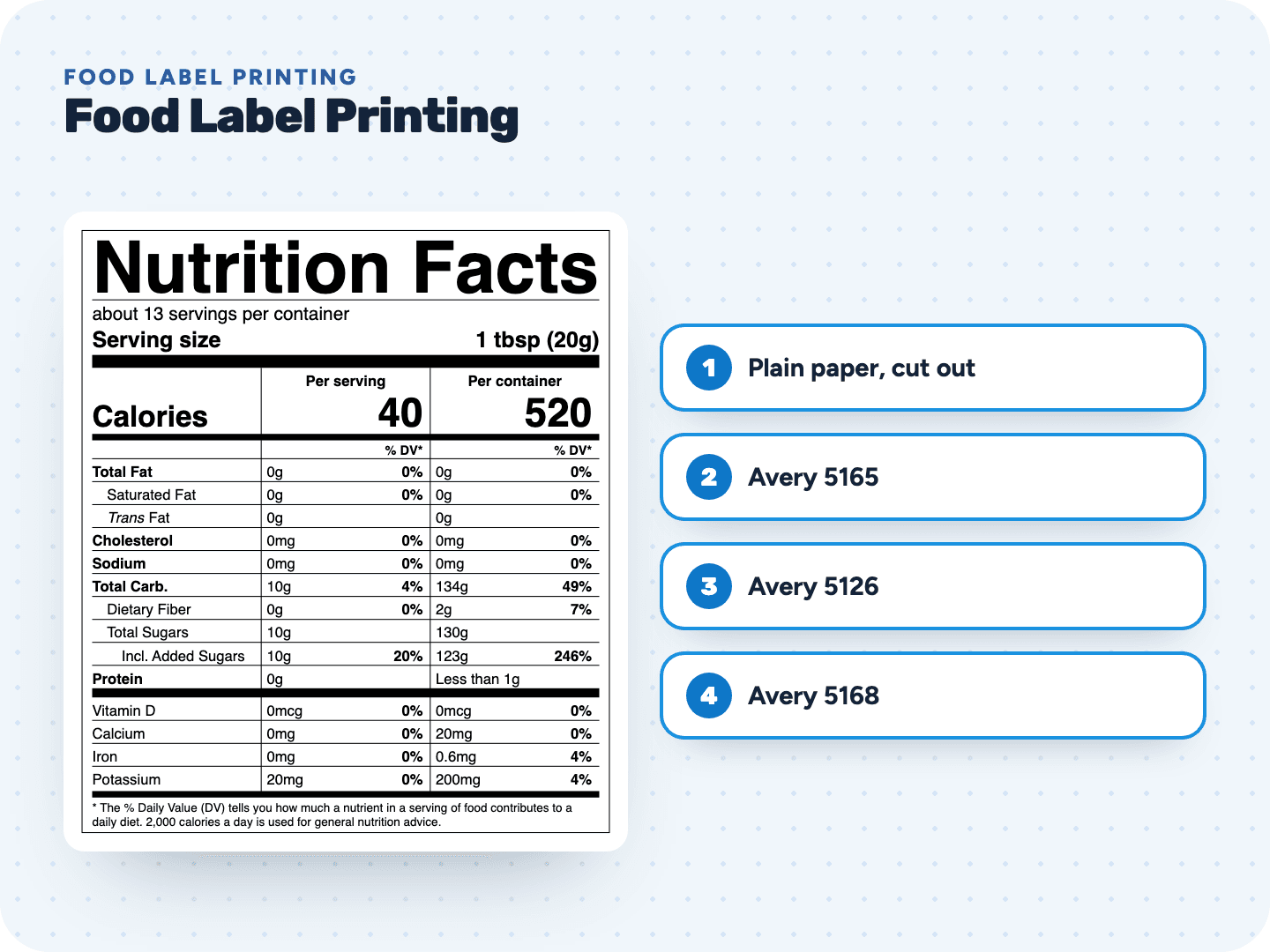
Get your label print-ready, free
Build and check the label before you spend anything on paper.
Label sheets we lay out for you
All on US Letter. Your label prints at actual size, centered in each label.
Print it right the first time
- 1Download the PDF or print sheetBoth are vector files, so the small print stays sharp on any printer.
- 2Print at 100%In the print dialog, choose "Actual size" or 100%. "Fit to page" shrinks the label, and FDA type sizes have minimums.
- 3Test on plain paperPrint one page on plain paper, lay it on a label sheet and hold both up to the light. The labels should line up.
- 4Load the label sheetCheck which side your printer prints on, and feed one sheet at a time if it tends to jam.
- Print and applyLet the ink dry before you peel. Then label your packages.
Pay only when you print
Food label printing questions
Something else? Send us a question. We reply by email as soon as we can.
No. We make the label file and you print it: at home, in your shop or at any print shop you choose. That means no minimum order and no waiting for delivery.
Your print settings scaled it. Choose "Actual size" or 100% instead of "Fit to page" or "Shrink to fit". Our PDFs are already the exact size.
Pick a larger sheet, switch to the small package style if your package qualifies, or leave the ingredient statement off this label. We never shrink a label to fit, because Nutrition Facts type sizes have legal minimums.
Yes, if the label size and layout match one of the sheets we list. Many brands sell the same sizes under their own numbers. Test on plain paper first.
Yes. Send them the vector PDF, or the SVG if they're placing it into a larger design, and ask them to print at 100% without scaling.
Either works. Just buy label sheets made for your type of printer.
Related pages
See your label before you pay anything
Free preview, no account. $29 when you're ready to print.