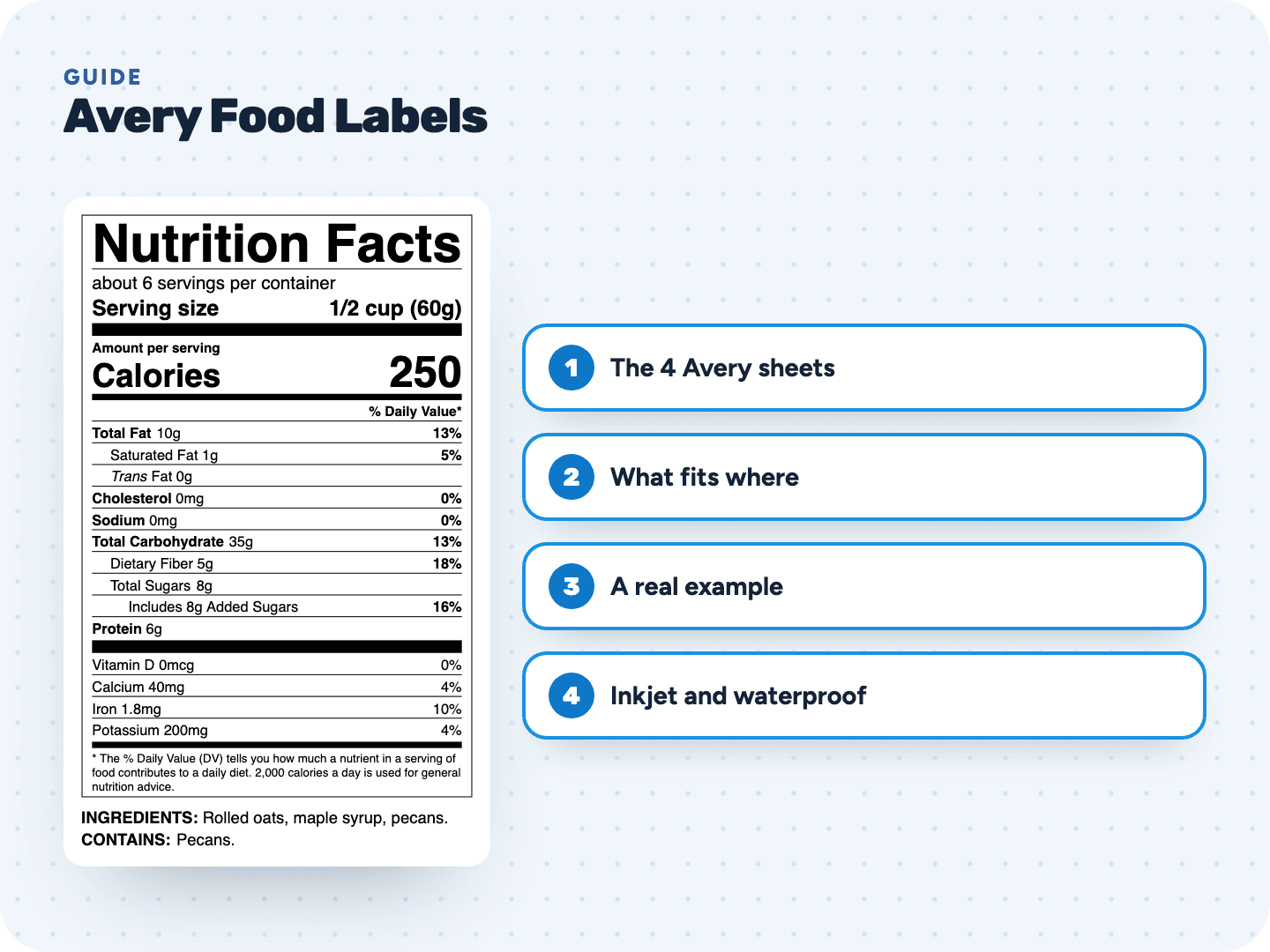
The four Avery sheets we lay out for you
Avery sells all four as shipping labels, but plain white rectangles work just as well for a Nutrition Facts panel. Here is what Avery lists for each, and how much room your label really gets. We keep 1/16 inch free on every side, because no printer hits the edge of a label exactly.
| Avery sheet | Label size | Per sheet | Printer (per Avery) | Room for your label (wide × tall) |
|---|---|---|---|---|
| 5126 | 8½ × 5½ in | 2 | Laser | 8⅜ × 5⅜ in |
| 5168 | 3½ × 5 in | 4 | Laser | 3⅜ × 4⅞ in |
| 5164 | 3⅓ × 4 in | 6 | Laser | 3⅞ × 3.2 in |
| 5163 | 2 × 4 in | 10 | Laser | 3⅞ × 1⅞ in |
Our print sheet puts one copy of your label in every space, on a US Letter page. Print it at 100% on the Avery sheet with the same number. There is also a plain-paper sheet with 4 labels of 4 × 5 in and light cut lines, for paper you cut by hand.
Which label style fits which Avery sheet
The width of a label is fixed by its style. The height grows with your recipe, mostly through the ingredient and allergen statement. We never shrink a label to fit a smaller space, because Nutrition Facts type sizes have legal minimums.
| Label style | Width | 5126 | 5168 | 5164 | 5163 |
|---|---|---|---|---|---|
| Standard (vertical) | 3 in | Yes, unless very tall | If 4⅞ in tall or less | Only short labels | No |
| Simplified | 3 in | Usually | Usually | Short labels, statement off | No |
| Dual column | 4 in | Usually | No | No | No |
| Tabular (wide) | About 5½ in | Yes | No | No | No |
| Wide dual column | About 5¾ in | Yes | No | No | No |
| Small package (linear) | Fills the label width | Yes | Yes | Yes | If the statement is short or off |
| Supplement Facts | 3 in | Usually | Depends on height | Short panels only | No |
Before you buy a box of labels, open your label in the tool and pick a sheet. It shows right away whether your label fits, and if not, suggests a larger sheet, the small package style or leaving the statement off.
Compare the label styles →One label, four Avery sheets: the sample hot sauce
The sample recipe in our tool is a jalapeño hot sauce in a 5 fl oz bottle, with a 1 tsp serving. Here is how its label measures in each style, and where it fits:
| Style | Size | Fits |
|---|---|---|
| Standard, with ingredient statement | 3 × 4.84 in | 5126 and 5168 |
| Standard, statement off | 3 × 4.47 in | 5126 and 5168 |
| Simplified, statement off | 3 × 3.12 in | 5126, 5168 and 5164 |
| Small package, with statement | 3.88 × 1.20 in on 5163 | All four, 5163 included |
| Tabular, with statement | 5.56 × 2.05 in | 5126 only |
Hot sauce has only five ingredients, so its statement is short. A recipe with long store-bought ingredients (enriched flour, chocolate chips, cream cheese) can add an inch. In our test with a seven-ingredient dessert bar recipe, the standard label with its statement grew to 5.58 in tall: too tall even for 5126. Leaving the statement off brought it back to 4.47 in, and the tabular style fit 5126 with the statement on. On plain paper or the full-sheet Avery 5165, it prints with the statement on.
If you leave the statement off, the ingredient list and Contains line still have to be on the package. Print them on a separate label and place it next to the Nutrition Facts.
Inkjet and waterproof Avery labels on the same layout
All four sheets above are laser labels. Avery's template pages list other products that use the same template, including inkjet and waterproof versions. Our print sheets follow the template, so they work on those too. Run a plain-paper test first anyway.
| Template | Inkjet version | Waterproof film version | Waterproof works with |
|---|---|---|---|
| 5126 | 8126 | 5526 | Laser and pigment-inkjet printers |
| 5168 | 8168 | None on Avery's list | No waterproof version listed |
| 5164 | 8164 | 5524 | Laser and pigment-inkjet printers |
| 5163 | 8163 | 5523 | Laser printers only |
Waterproof film is worth it for anything that sweats in a fridge or sits in a cooler at the market: drinks, dips, salsa, cut fruit. For a dry shelf, the paper labels are fine.
Printing Nutrition Facts on Avery labels
- Download the print sheet for your Avery number, not the single-label PDF
- Print one copy on plain paper with the scale at 100% ("Actual size")
- Hold it over a label sheet against the light: each label should sit inside its space
- Set the paper type to "Labels", or Heavyweight or Cardstock
- Load one Avery sheet the right side up and print
- Let inkjet labels dry before you peel and stack them
Other brands and other Avery sizes
Other label makers sell sheets in these same sizes under their own numbers. They work if the label size, the count per sheet and the page margins match. Lay a plain-paper print over the sheet before you trust it.
We lay out these four Avery sheets, the full-sheet Avery 5165 and plain paper. For round labels or roll labels, download the PDF or SVG and place it in that maker's template or software at actual size. Keep the panel at its exported size and only work around it.
Avery is a trademark of its owner. We are not affiliated with Avery and earn nothing when you buy their labels.
Make a label sized for your Avery sheet
Enter your recipe, confirm each USDA match and pick your label style. The preview is free. Unlock the label for $29 and download the Avery print sheet, the PDF, the SVG and the PNG as often as you need for 2 years.
Make my label →Or fill in a free template →