Nutrition Facts Label Template
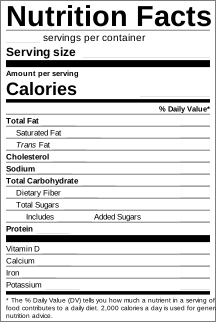
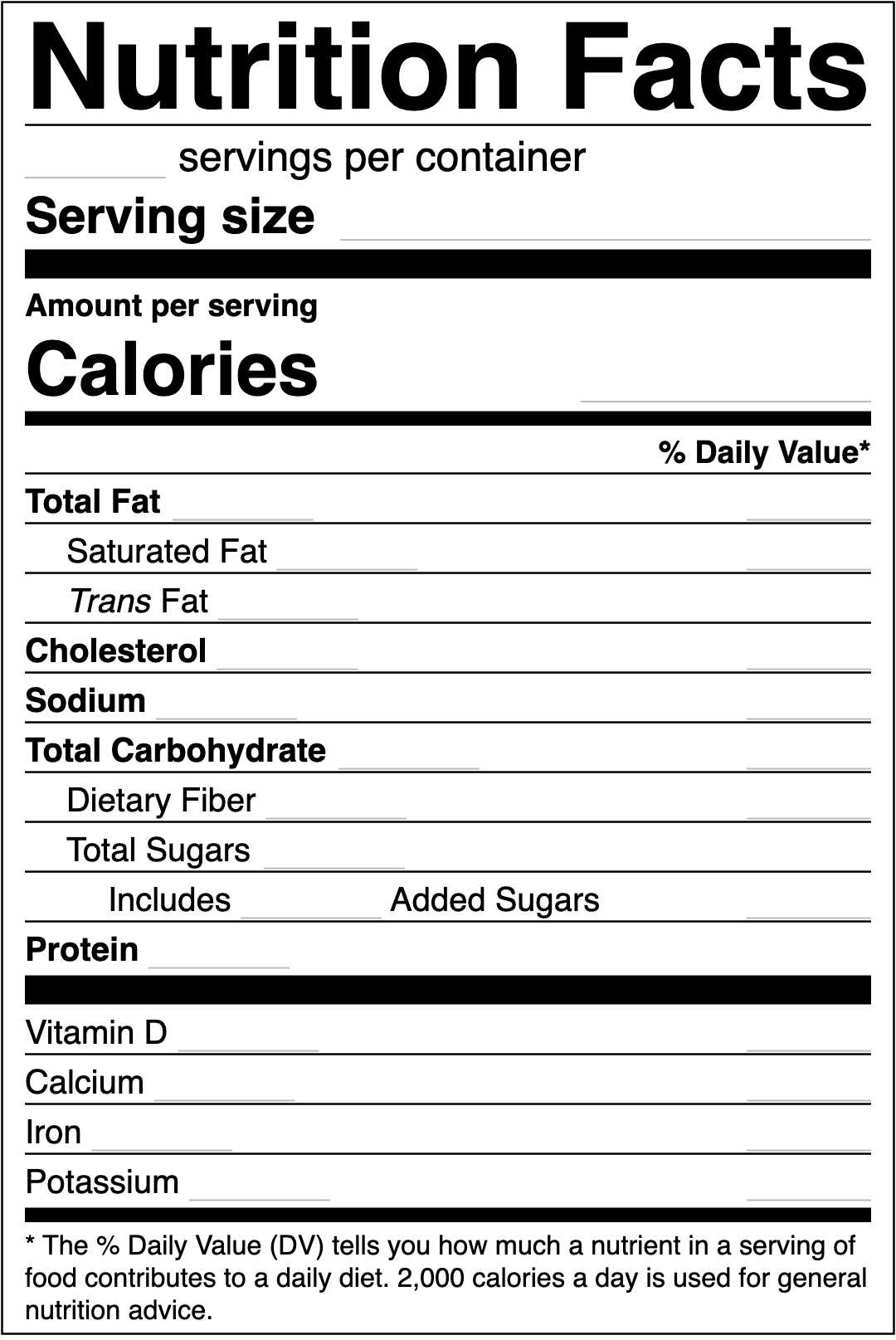
Nutrition Facts label template, free, to fill in on your computer: type your numbers into the fillable PDF or the Word file and print it at actual size. Below, what goes in every field and how each number is rounded.
Pick your format
Fill in the PDF in any PDF reader, or edit the Word file. Both print at the real label size.
What goes in each field
Skip the calculator. Get the numbers filled in.
Type in your recipe and we fill in every field, rounded the FDA way. Free to preview.
From a lab analysis, or calculated from your recipe with nutrient data such as USDA FoodData Central. Our label tool does the calculation and rounding for you, and fills in the label. Start a label →
The layout follows the FDA standard format. Whether your label complies depends on the numbers: they must be right, rounded by the rules and for the right serving size.
The PDF prints at 3 inches wide, the usual size. Ask your designer to scale the SVG if your package needs a different size, keeping the FDA minimum type sizes.
Small and wide packages may use other formats (linear or tabular). Our label tool makes those for you from the same recipe.
See your label before you pay anything
Free preview, no account. $29 when you're ready to print.