Inkjet, laser and thermal: how each one prints a label
Four kinds of printer can put a Nutrition Facts label on your package. They differ in how the mark gets onto the label, which changes what stock you buy and how long the print lasts.
| Printer | How it prints | Label stock | Good for | Watch out for |
|---|---|---|---|---|
| Inkjet | Sprays liquid ink that soaks into the label surface | Sheets made for inkjet | Small batches, color brand labels, recipes that still change | Ink needs time to dry; ink on laser-only sheets smears |
| Laser | Fuses toner powder onto the label with heat | Sheets made for laser, including waterproof film | Crisp small type, longer runs, labels that get wet | Inkjet-only sheets are the wrong stock; match the sheet to the printer |
| Direct thermal | Heats special paper that turns black; no ink, toner or ribbon | Direct thermal rolls | Short-term labels, fast single-product runs | Heat and light can darken the label until it is unreadable |
| Thermal transfer | Heat melts a ribbon onto the label | Thermal transfer rolls plus a ribbon | Labels that must last, cold storage | Ribbons are an ongoing supply cost |
Avery's own advice on choosing a printer for labels puts the stock first: inkjet labels go in an inkjet printer, laser labels in a laser printer, and a few sheets are made for both. The printer you already own is usually fine once the stock matches it.
What a nutrition facts label printer has to get right
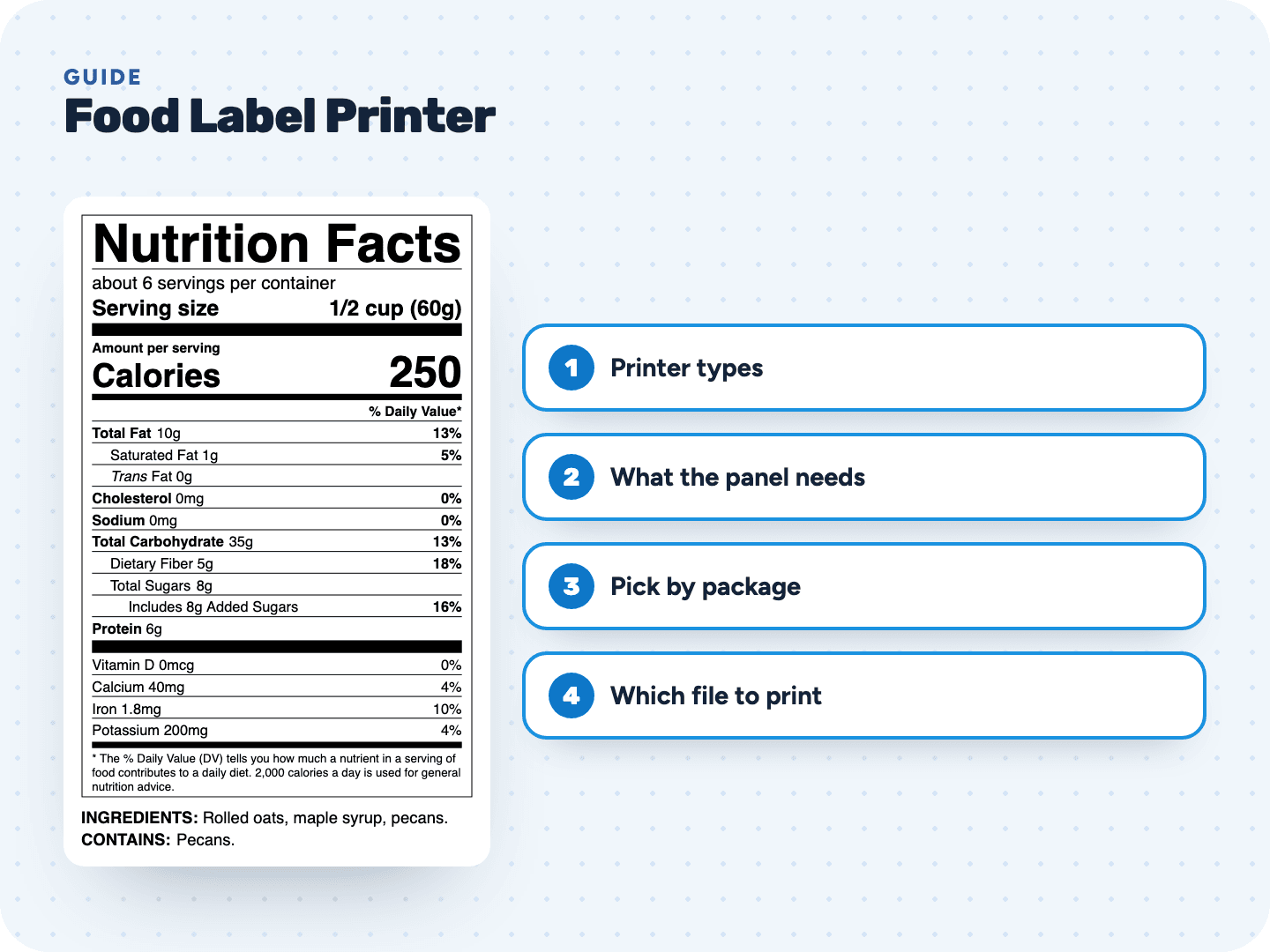
A Nutrition Facts panel is mostly small black text and thin rules, and the law sets a floor for how small that text can be. So the printer's job is narrow: print the file at its true size, with clean edges on 6 and 8 point type.
- Actual size. Nutrient lines must be at least 8 point. A label shrunk by the print dialog can fall below that without you noticing
- Sharp fine print. Vector files (our PDF and SVG) stay sharp at any printer resolution, because the printer draws the letters itself
- Black is enough. The rules allow all-black type, or type in a single color, on a light neutral background, so a black-only thermal or laser printer qualifies
- Hairlines that show. The thin rules between nutrients must not vanish, so skip draft and toner-saver modes
Best label printer for food packaging: start from the package
There is no single best printer, and we don't rank brands. What works is matching the printer and stock to where your product sits and how many labels you print. Four common cases:
| Your situation | A setup that fits | Why |
|---|---|---|
| Jam, cookies or granola, a few dozen a week | The inkjet or laser printer you own, with paper label sheets for that printer | No new hardware. Our print sheets line up with common US Letter label sizes |
| Drinks, dips or salsa in a fridge or cooler | Laser printer with waterproof film labels | Wet packaging can smear or lift paper labels. Avery sells its waterproof film sheets for laser printers |
| Hundreds of one product, labeled in a row | Thermal transfer roll printer | Fast and durable, and the panel only needs black |
| Short shelf life, bakery case or market day | Direct thermal roll printer | No ink or ribbon to buy, and Avery recommends it for short-term labels |
If your packages go into ovens, steamers or hot cars, test a few labels there first. Avery warns that heat and light darken direct thermal labels, and any label can lift on a damp or greasy surface.
Which of our files goes to which printer
Every unlocked label downloads in four ways. Pick the one that matches the printer, not the other way around:
| File | What it is | Send it to |
|---|---|---|
| Vector label at actual size on a US Letter page, with a reminder to print at 100% | A desktop inkjet or laser printer, or a print shop | |
| Print sheet (PDF) | The same label repeated on a US Letter sheet for Avery 5126, 5168, 5164, 5163 or plain paper | A desktop printer loaded with that sheet |
| SVG | Vector label for design programs | Your designer, or label software that imports vector files |
| PNG, 600 dpi | A high-resolution image: a 3 in wide label is 1,800 pixels wide | Roll printer software and other programs that only take images |
A roll printer can't use a Letter page, so it needs the PNG or SVG placed in its own label software. Some programs don't read an image's resolution and show the PNG far too big. Set the width by hand to the label's real width (3 in for a standard label, 4 in for dual column) and print at 100%.
Dual Column Nutrition Label →Our standard Nutrition Facts label measures 3 inches across. Its height depends on your recipe: usually around 4½ to 5½ inches with the ingredient and allergen statement, less without it. A 4 × 6 in roll label leaves room for most of them, but check your label's size before you buy rolls.
How to print the PDF and print sheets →Before you buy a printer for food labels
That last step catches most problems: a label that curls on a round jar, smears in the fridge or fades by the window. You learn it from ten labels instead of a thousand.
Make the label your printer will print
Our label maker turns your recipe into a finished Nutrition Facts label with USDA data and FDA rounding, plus the ingredient list and allergen line. Preview it free, then unlock it for $29 and print it as many times as you need for 2 years.
- Vector PDF at actual size, ready for any desktop printer
- Print sheets for Avery 5126, 5168, 5164 and 5163, or plain paper with cut lines
- SVG for your designer and PNG at 600 dpi for label software
- A fit check warns you before download when a label won't fit the sheet