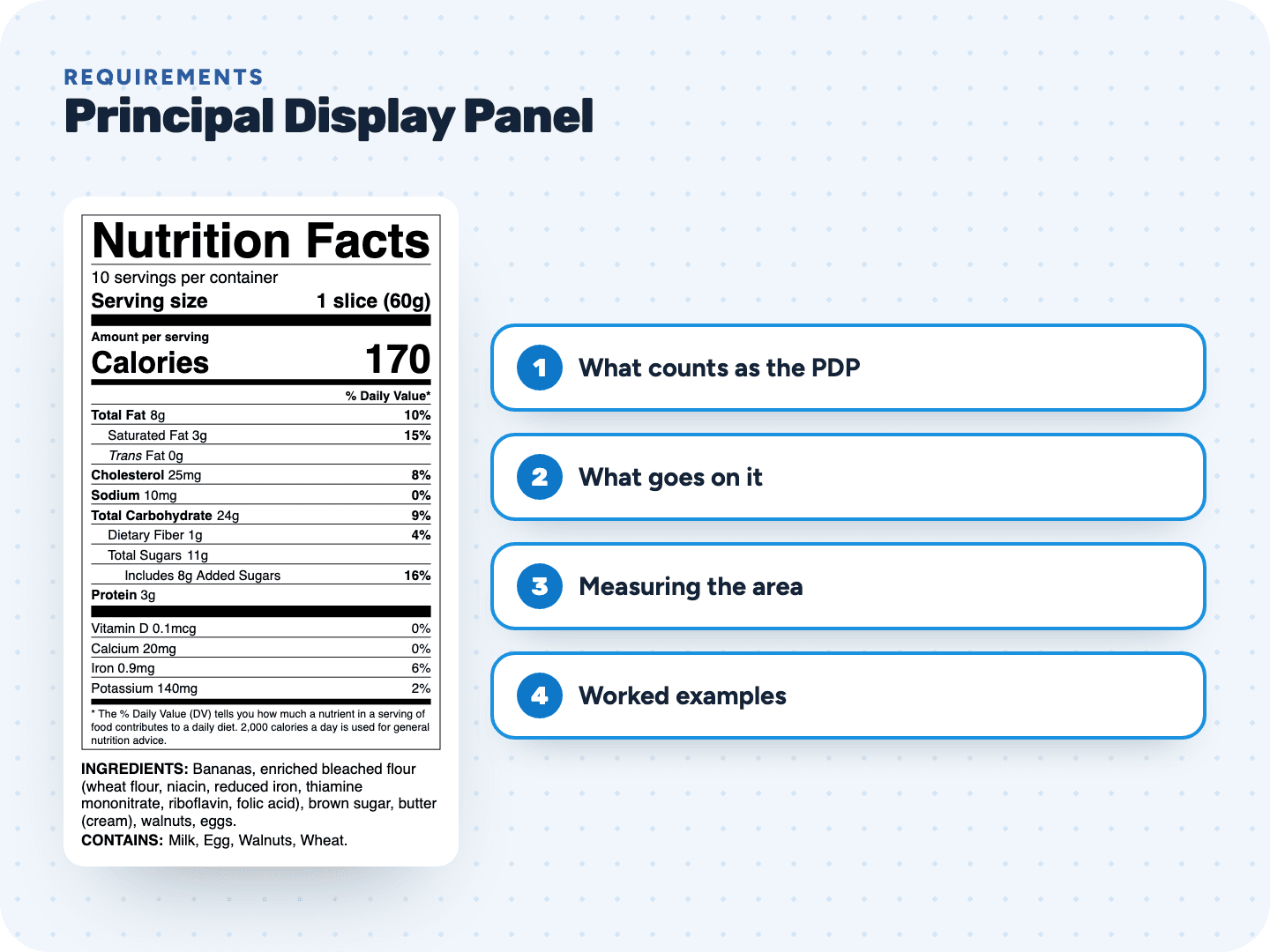
What counts as the principal display panel
FDA defines the PDP by how the package is shown for sale, not by which side you call the front. In the regulation's words, it is the part of a label "most likely to be displayed, presented, shown, or examined under customary conditions of display for retail sale."
- It must be big enough to hold the required front panel information clearly, without crowding and without hiding it behind designs or pictures
- Many packages can be displayed two ways, like a bag that sits face up on either side. Each of those faces is an alternate PDP, and each must repeat the required information
- On a round container, the required information goes within the 40% of the circumference most likely to face the shopper
What must appear on the principal display panel
| Item | On the PDP? | Rule |
|---|---|---|
| Statement of identity (the name of the food) | Yes, on every PDP | 21 CFR 101.3(a) |
| Net quantity of contents | Yes, in the bottom 30% of the PDP | 21 CFR 101.7(a), (e), (f) |
| Flavor wording, like vanilla or artificially flavored strawberry | Yes, with the name of the food when a flavor is pictured or named | 21 CFR 101.22(i) |
| "Dietary supplement" or a term like "herbal supplement" | Yes, as part of the statement of identity | 21 CFR 101.3(g) |
| Ingredient list, Nutrition Facts, name and address | On the PDP or on the information panel | 21 CFR 101.2(b) |
Most small brands keep the front clean: name, net weight, maybe a flavor line and the artwork. Everything else moves to the information panel. You can also put all of it on the front if the panel is big enough, which is common on single-sided labels for jars and bags.
How to calculate the area of the principal display panel
The PDP area is not the size of your artwork. It is a number FDA defines per package shape, so that packages of about the same size get the same net quantity type size.
| Package shape | PDP area | Leave out |
|---|---|---|
| Rectangular (box, carton) with one full side as the front | Height × width of that side | Nothing |
| Cylindrical or nearly cylindrical (jar, can, bottle) | 40% × height × circumference | Shoulders, necks, tops, bottoms and can flanges |
| Any other shape | 40% of the total surface of the container | Shoulders, necks, tops, bottoms and can flanges |
| Other shape with an obvious display face, like the top of a round or triangular cheese | The entire top surface | Nothing |
Worked examples: four packages, four PDP areas
| Package | Math | PDP area | Net quantity letters at least |
|---|---|---|---|
| Cracker box, front 8 in tall × 6 in wide | 8 × 6 | 48 sq in | 3/16 inch |
| Jam jar, label body 3 in tall, 2.75 in across (circumference about 8.64 in) | 0.4 × 3 × 8.64 | about 10.4 sq in | 1/8 inch |
| Round cheese, 6 in across, display face on top | 3.1416 × 3 × 3 | about 28.3 sq in | 3/16 inch |
| Small candy box, front 2.5 in × 1.75 in | 2.5 × 1.75 | about 4.4 sq in | 1/16 inch, and the bottom 30% rule drops away |
For the jar, measure only the straight body where a label can sit. The shoulder that curves in toward the lid and the neck do not count. For the cheese, the top is the obvious display face, so its whole surface is the PDP area and the 40% rule does not apply.
The last column comes from the net quantity type size scale, which runs from 1/16 inch for a PDP of 5 square inches or less up to 1/2 inch for one over 400 square inches.
How the PDP decides where the information panel is
Once you know your PDP, the information panel follows from it: the panel directly to the right of the PDP as you face it. Three special cases:
- If that right-hand panel is too small or unusable, like a folded flap or a can end, use the next panel to the right
- With alternate PDPs, the information panel is the panel to the right of any of them
- If the top of the container is the PDP and there is no alternate, any panel next to the top can be the information panel
FDA's guidance adds a layout rule for that panel: material FDA does not require, such as a UPC bar code, may not sit between the required statements on the information panel.
Keeping the front panel legal and readable
- Required words lose their legal prominence when they are crowded, printed in small or fancy type, set on a busy background or hidden by a picture
- An exemption for lack of label space does not apply when the space went to optional text or designs, to extra emphasis on other words, or to a foreign language version
- Use a foreign language anywhere on the label and every required statement must appear in that language too, as well as in English
- Make the label cover all the space the container offers before deciding something does not fit
Where our labels fit on your package
The PDP is your artwork: brand, product name, net weight and photos. We make the regulated panels that usually go on the information panel: the Nutrition Facts or Supplement Facts panel and the ingredient statement with its Contains line. You get them as a true-size vector PDF, a 600 dpi PNG, or an SVG your designer can drop next to the front panel artwork.
Running short on space? Our Tabular and Small package (linear) formats are made for wide or short panels. Enter your net weight under "one package holds", in ounces or grams, and the tool works out servings per container from it, so the front and the back of your package tell the same story.
Nutrition Facts Label Formats →